Study features
Study in the language that helps you most
Switch explanation language and browse key screens in Japanese, English, or Simplified Chinese.
Use your strongest language as a bridge
When Japanese explanations feel heavy, switch to English or 中文 to check the meaning.
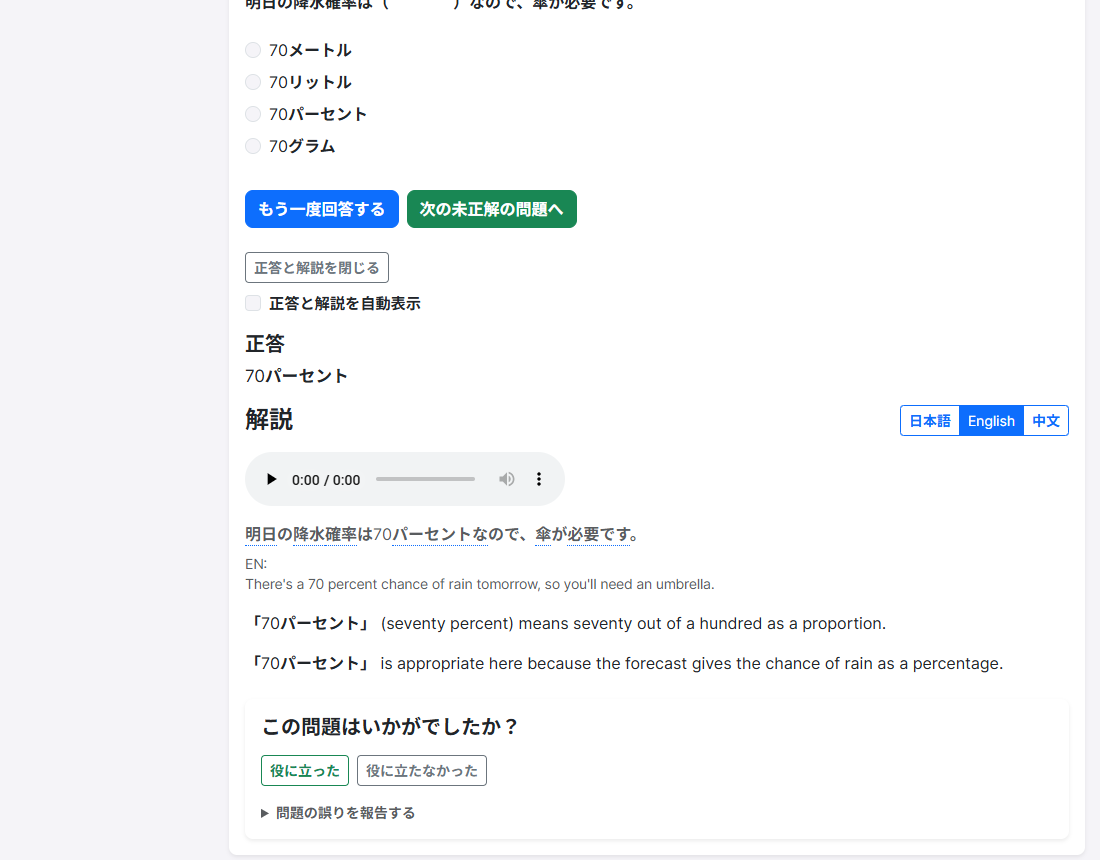
Real RJT screen
Use 日本語 / English / 中文 on the explanation header to switch text.
Quick tips
- After answering, open the explanation and switch the language buttons.
- Use the site language menu to change overall page language.
- Read the explanation in a language that helps you, then move on to the next question.
What is included
Question explanations are available in Japanese, English, and Simplified Chinese.
Related features
Try it free—no sign-up required
Pick a comfortable display language and try one free question.